Build an app with 30MTAI

Have a problem that
needs an app?

You don’t need to know how to build software.

Show us how you work today, send us the files you already use, or simply tell us the problem you’re trying to solve.

We’ll explore whether a simple, practical Windows app could make it easier.

Getting started

Two simple ways to start.

Start with your files

File-to-App

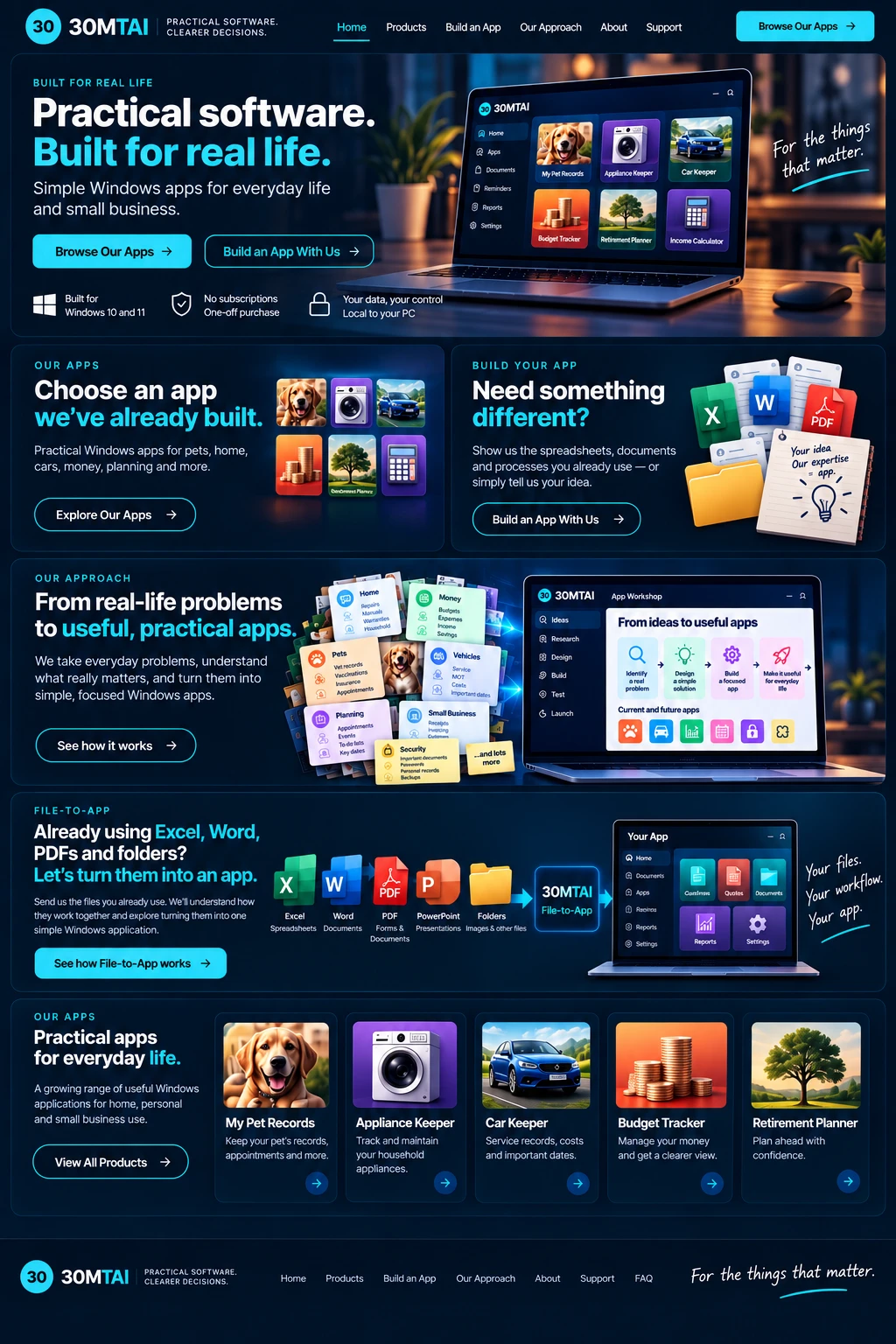
Already using Excel, Word,
PDFs or folders?

Show us the files and documents you already use. We’ll look at how they work together and explore turning that workflow into one simple Windows app.

  • Excel
  • Word
  • PDF
  • PowerPoint
  • CSV
  • Folders

Start with your idea

Idea-to-App

Know what you need,
but don’t have the files?

Tell us the problem. For example:

“I need something to manage my customers, jobs and quotes.”

We’ll help turn the idea into a clear application blueprint before anything is built.

One build process

However you start,
the process is simple.

  1. 1

    Understand

    We understand the problem, your files and how you work today.

  2. 2

    Blueprint

    We define what the app needs to do and show you the proposed structure.

  3. 3

    Approve

    You approve the agreed scope before the build begins.

  4. 4

    Build

    30MTAI builds the focused Windows application.

  5. 5

    Test

    We test the application and you get an opportunity to review it.

  6. 6

    Deliver

    You receive the finished Windows application and installer.

File-to-App

Turn the files you already use
into one simple app.

You may already keep things such as a customer spreadsheet, a jobs list, a quote template, an inspection form, a price list and a folder of photos.

Instead of opening and maintaining several separate files, 30MTAI can explore bringing the useful parts together into one app.

Your existing files

  • Customers.xlsx
  • Jobs.xlsx
  • Quote Template.docx
  • Inspection Form.pdf
  • Price List.xlsx
  • Job Photos
  • Excel
  • Word
  • PDF
  • PowerPoint
  • CSV
  • Folders
  • Images
30MTAIReviews, organises and builds

Your app

Your App
  • Dashboard
  • Customers
  • Jobs
  • Quotes
  • Documents
  • Reports
  • Settings

Not every file or workflow is a good fit for an app. We’ll review what you have and confirm whether it is suitable before anything else happens.

Idea-to-App

No files?
Start with the problem.

You don’t need to write a technical specification.

Tell us what you’re trying to achieve. We’ll help define the application before anything is built.

“I run a small gardening business.

I need somewhere to keep my customers, schedule jobs, record what I’ve done and create quotes.”

Example idea

Becomes an app with

Gardening Jobs
  • Customers
  • Jobs
  • Diary
  • Quotes
  • Documents
  • Reports

What a standard build is aimed at

Focused, practical Windows apps.

The standard service is aimed at straightforward, local Windows applications. Larger or connected systems are possible too — they just need to be assessed individually.

Typically suitable

  • Local Windows desktop app
  • Records and lists
  • Dashboards
  • Search and filtering
  • Dates and reminders
  • Documents and images
  • Calculations
  • Print and reports
  • Import / export
  • Local backup / restore

Separate scoping may be needed

  • Cloud systems
  • Simultaneous multi-user databases
  • Mobile applications
  • Customer web portals
  • External APIs
  • Accounting integrations
  • Online payments
  • Complex third-party integrations

These aren’t ruled out. Each one is assessed and quoted individually.

Pricing

Simple, practical pricing.

Send us what you’re working with and we’ll review it first. If it is suitable, we’ll confirm the scope and price before development begins.

More complex applications will be quoted separately.

Initial review

Free

Initial idea / file review, so you know whether it’s a good fit.

File-to-App

from £99

An indicative starting point. The price for your app is confirmed after review, before any work begins.

Before we build

You approve the plan first.

We don’t start building from assumptions.

First we agree what the application needs to do. That keeps the project focused and makes the cost clear.

  1. Your problem / files
  2. 30MTAI review
  3. App blueprint
  4. You approve
  5. Build starts

Your enquiry

Tell us what you’d like to build.

How would you like to start?

Your files (optional)

Drag files here, or

  • Excel
  • Word
  • PDF
  • PowerPoint
  • CSV
  • Images

Excel (.xlsx, .xls), CSV, Word (.docx), PDF, PowerPoint (.pptx), PNG and JPG. Up to 10 files, 4.0 MB in total.

Your files & privacy

Files you send us are used only to review your enquiry and understand the app you would like us to build.

We do not use your files for our own commercial purposes.

Submitted copies are deleted when the review and quotation process is complete, except where we are required to retain information for legal or administrative reasons.

Please only send files you are authorised to share with 30MTAI.

How we use your information is explained in our Privacy Policy.

Sending an enquiry doesn’t create a contract, doesn’t mean development has started and doesn’t guarantee that we’ll take on the project. Your files and information remain yours — sending them doesn’t transfer ownership to 30MTAI. We’ll review your enquiry first and let you know whether the app is suitable.
Your problem.
Your workflow.
Your app.

Start with the files you already have or simply tell us your idea. 30MTAI will help you work out what comes next.